The Reverse Silo Method: Rank Your New Post Without Begging for Backlinks
Stop chasing backlinks for every new post. Link to it from your own strongest pages, in the first 300 words, with descriptive anchor text — here's the exact method, applied to this site.
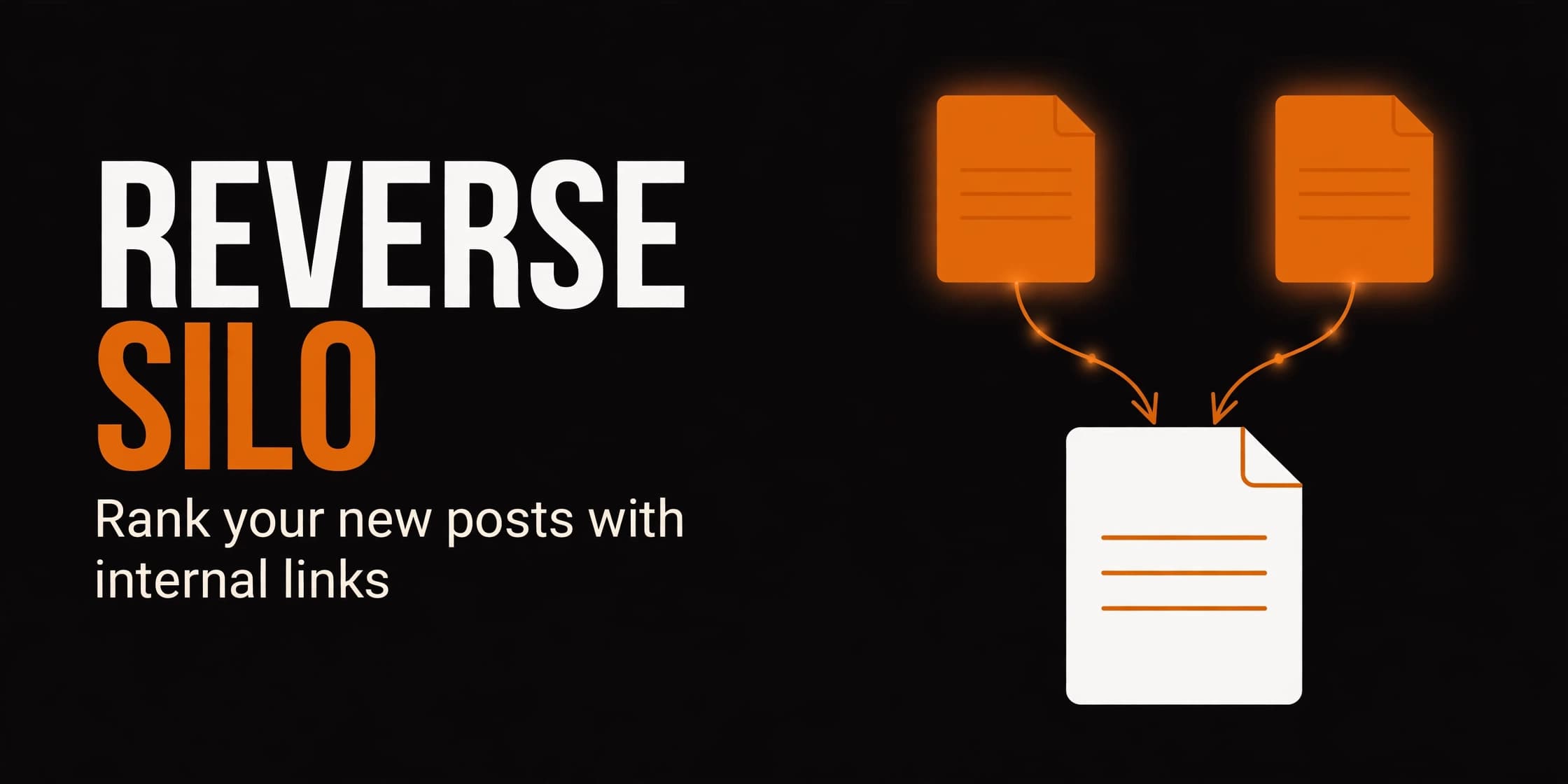
Most new bloggers do the same thing. They publish a post, then spend months chasing backlinks for it. Guest posts. Outreach emails. Or they pay $50–$100 for a link and get nothing back.
Here's a way to flip the problem around: your next ranking is probably already inside your own blog.
The idea is called the Reverse Silo Method. Instead of building new backlinks to your new post, you link to it from the pages Google already trusts on your site.
Why it works
Google's original PageRank runs on links — and internal links count. When a page Google crawls often links to your new article, Googlebot finds the new article through a page it already visits. No outreach, no payment, and the link is 100% in your control.
That's the whole trick. Same link power, zero cost.
The method, in 3 steps
Step 1: Find your 2–3 Power Pages
Open Google Search Console → Top Pages. Look for the pages with the highest impressions — the ones Google is already showing people, even if they aren't ranking #1 yet.
Those are your Power Pages. Pick 2 or 3 that are topically close to your new post. Relevance matters: a link from a related post is worth far more than a link from a random one.
Step 2: Link from inside the first 300 words
Open the Power Page and find a natural line in the first 300 words. Add a link to your new post there — early, where Googlebot and readers both actually see it. Don't bury it in the footer or at the very bottom.
Step 3: Use descriptive anchor text
Never "click here". Use the exact topic name — the words someone would actually search for. If your new post is about the best AI accounting tools, the anchor text should say exactly that: best AI accounting tools.
I applied it to this site
My newest post is the one that needs the push: mDm, an open-source download manager in Rust. It's the launch post for a tool I actually shipped, and it's the page every launch listing points back to.
So I checked Search Console for my real Power Pages — and the honest answer is that this site is small. In the last 90 days the whole site got 73 impressions and 3 clicks. The homepage (18 impressions) and the blog index already link to the mDm post, so the strongest individual blog post left is the gdrive-manager one (2 impressions, average position 7.5). It's a natural fit: same idea, one tool, one job, no context-switching. So that's where the new link went, in the intro, with the anchor 'mDm, a free open-source download manager in Rust'.
One link. Early. Descriptive. From a post about the same kind of thing I built. When the site's Power Pages are this small, one honest link beats three forced ones — and the bigger job is earning more impressions for the Power Pages themselves.
One honest caveat
Don't expect page 1 in 48 hours just because you added a link — that's a claim some SEO advice makes, not a promise. Internal linking gets your page found and crawled fast — that's the part you control. Where it ranks still depends on the query, the competition, and whether the page deserves to be there.
But the method itself is sound, and it's free: every new post you publish from now on gets its first links from your own strongest pages, on day one, instead of waiting months for someone else to link to it.
Your turn
Next time you publish, don't start with outreach. Start with Search Console:
- Find your top 2–3 pages by impressions.
- Add one early link from each to the new post.
- Use the topic name as the anchor text.
Then check in a week whether Google has crawled the new page — and which queries it's starting to show up for.